
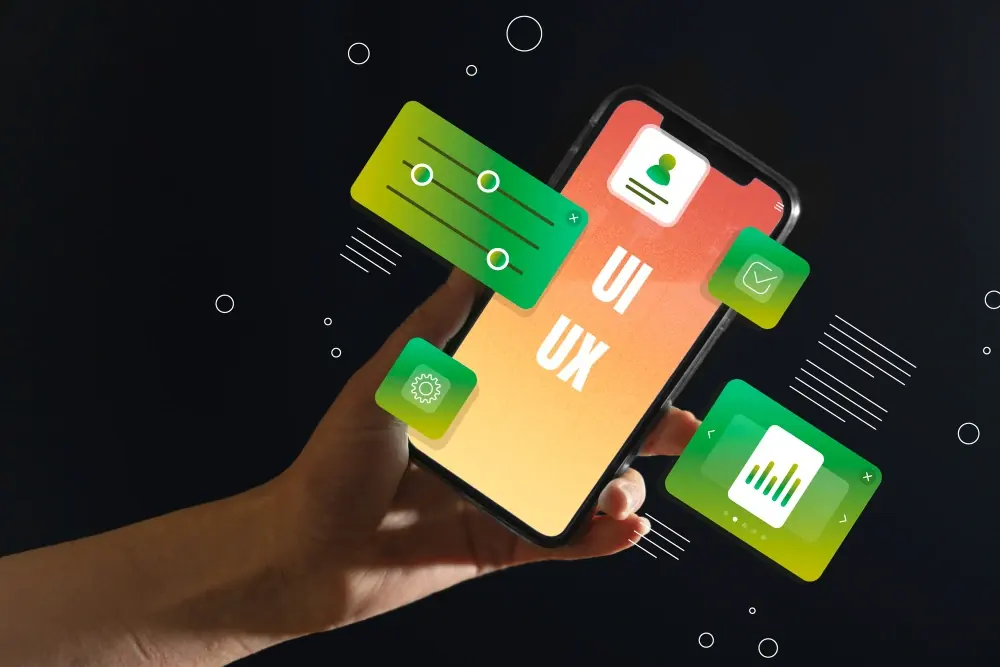
Interface design keeps evolving as devices, user expectations and tools change. Not every trend is worth following, but the ones below solve real problems for users. Here are ten we think every designer should understand — and when to use them.
1. Dark mode done properly
Most operating systems now let users choose a dark theme, and many expect websites and apps to follow. Good dark mode isn't just inverting colours: it uses dark greys rather than pure black, reduces saturation of bright colours and keeps enough contrast for text.
2. Purposeful micro-interactions
Small animations that respond to an action — a button that changes when pressed, a checkmark when a form saves — reassure users that something happened. Keep them short and meaningful, and respect the "reduce motion" setting for users who are sensitive to animation.
3. Accessibility as a default
Accessible design helps everyone: sufficient colour contrast, clear focus states for keyboard users, descriptive labels for screen readers and touch targets large enough to tap. In many regions it's also a legal requirement. Build it in from the first wireframe rather than fixing it at the end.
4. Bold, expressive typography
Variable fonts let designers adjust weight and width smoothly, making large, characterful headlines practical without loading many font files. Big type gives a clear hierarchy and personality — as long as body text stays comfortable to read.
5. Minimal, focused layouts
Removing elements that don't help the user is still one of the most effective design decisions. Clear navigation, generous spacing and one primary action per screen reduce decision fatigue and improve conversion.
6. Personalisation
Interfaces that adapt to the user — recently viewed items, saved preferences, relevant recommendations — feel faster and more helpful. Be transparent about what data you use and give users control.
7. Mobile-first and thumb-friendly design
Most browsing now happens on phones. Design for the small screen first, place key actions within easy thumb reach, and make sure forms use the right keyboards for each field.
8. Voice and conversational interfaces
Voice assistants and chat interfaces are now common for search, support and simple tasks. Designing for conversation means planning clear prompts, short responses and graceful handling when the system doesn't understand.
9. AI-assisted design and content
AI tools can speed up research synthesis, generate layout variations and draft placeholder content. They work best as assistants: designers still need to judge what fits the brand and the user.
10. Design systems
A shared library of components, colours and typography keeps products consistent and speeds up both design and development. Even small teams benefit from documenting buttons, forms and spacing rules.
Using trends wisely
Trends should serve your users, not the other way round. Before adopting one, ask whether it makes a task easier, clearer or faster for the people using your product. Test with real users, measure the impact and keep what works.
If you're planning a new product or a redesign, our UI/UX design team can help — from research and prototypes to a full design system.