
People decide within seconds whether a website feels trustworthy, professional and relevant to them. Much of that judgment comes from three things working together: your brand, your colours and the way your interface is designed. Here's how each influences behaviour — and how to use them deliberately.
Branding builds recognition and trust
A brand is more than a logo. It's the consistent combination of name, visual style, tone of voice and experience that people associate with your business. Consistency matters because familiarity builds trust: when your website, social media, emails and invoices all look and sound the same, customers feel they're dealing with an established, reliable company.
Practical steps:
- Document your logo usage, colours, fonts and tone of voice in simple brand guidelines.
- Use the same visual style across every channel.
- Make sure the experience matches the promise — a premium brand with a slow, confusing website undermines itself.
Colour shapes perception and attention
Colours carry associations, although these vary by culture and context. Blue is often linked with trust and stability, which is why many technology and finance brands use it. Green suggests growth or health. Red signals urgency or energy. Orange and yellow feel friendly and attract attention.
More important than any single colour's meaning is how colour is used on the page:
- Contrast directs attention. A call-to-action button in a colour that stands out from the rest of the page gets noticed.
- Consistency teaches users. If links are always the same colour, users learn what's clickable.
- Restraint helps focus. A limited palette makes the important elements stand out.
- Accessibility is essential. Text must have enough contrast with its background to be readable by everyone.
UI/UX design guides what people do
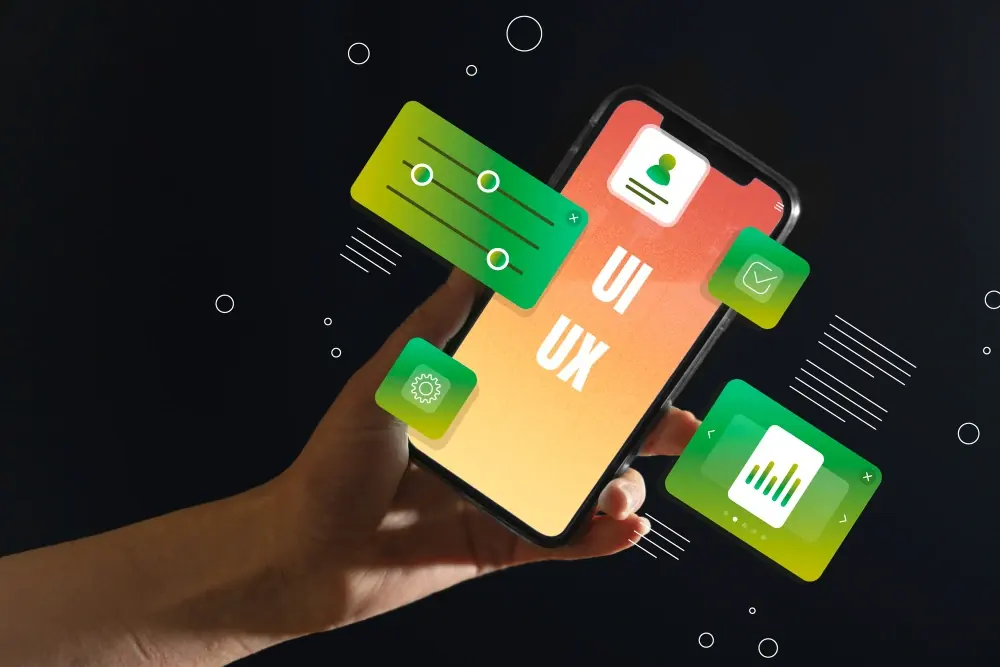
User interface (UI) design is how things look; user experience (UX) design is how easy and pleasant they are to use. Together they determine whether visitors find what they need and take action.
- Visual hierarchy — size, weight and position tell users what to read first.
- Clear navigation — users should always know where they are and how to get where they want to go.
- Reduced friction — shorter forms, fewer steps and clear error messages lead to more completed enquiries and purchases.
- Feedback — confirming actions ("Message sent") reassures users that things worked.
- Speed — faster pages keep people engaged; slow ones lose them.
How they work together
Imagine two websites offering the same service. One has a consistent brand, a calm colour palette with a single bright button for "Get a quote", and a simple three-field form. The other uses five colours, three fonts, several competing buttons and a twelve-field form. Even if the services are identical, the first will win more enquiries — because it feels trustworthy and makes the next step obvious.
Getting it right
Start with your users: who they are, what they need and what might make them hesitate. Then make branding, colour and interface decisions that reduce that hesitation. Test with real people and measure results.
Our UI/UX and branding services cover brand identity, interface design and usability testing. Get in touch if you'd like a fresh look at your website.